
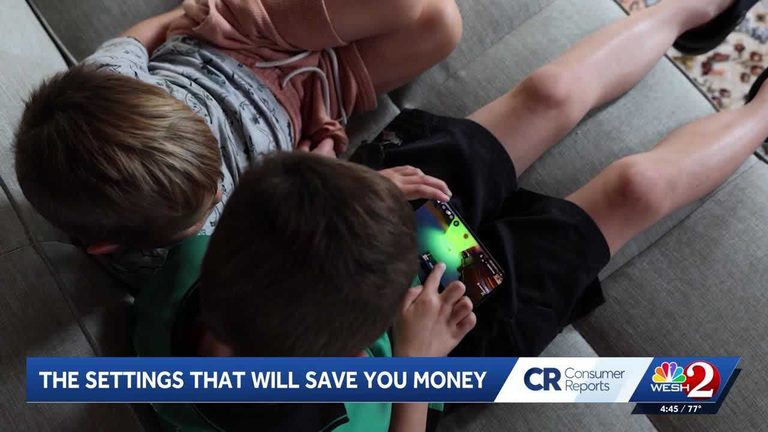
When kids go online, they’re not just watching videos or playing games; they’re navigating virtual worlds where they can talk to real people and spend real money. A recent story highlights the importance of parental controls in protecting kids online. Lynne Ramsbottom’s grandson loves to play Roblox, but he took his grandmother’s credit card and spent $2,000 on virtual clothing, accessories, and in-game upgrades.
Setting Up Parental Controls
Consumer Reports experts say parental controls give adults more control over their child’s online experience. Games like Roblox do offer parental controls that can limit how much children can spend in a game. But parents do have to set those up on their own. Setting up parental controls only takes a few minutes. On Apple devices, parents can use Family Sharing to set limits on apps, websites, downloads, and purchases. For Android devices and Chromebooks, Google’s Family Link offers similar controls, while Microsoft Family Safety provides parental control tools for Windows computers and Xbox consoles.
Parental controls are great, but they work best when layered with device and app settings, and with conversations with your kids about online safety. Because when it comes to online safety, protecting your child is priceless.
Original reporting: WESH Orlando — read the source article.