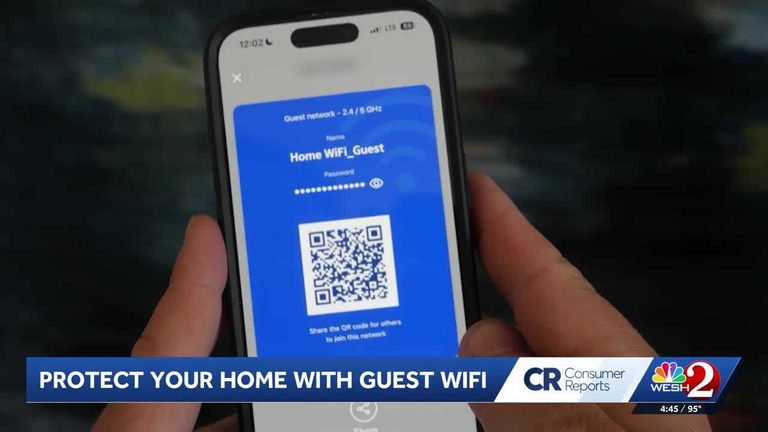
When sharing your home WiFi with guests, you may be sharing more than you think. Consumer Reports suggests setting up a guest WiFi network to protect your digital privacy and security. This simple tool can be found on most routers and takes only a few minutes to set up.
Why Set Up a Guest Network?
There are three main reasons to set up a guest WiFi network: to improve the privacy and security of your devices, to improve the performance of your overall WiFi network, and to make it easier to share WiFi with friends and visitors. By keeping your guests’ devices separate from your own, you can prevent potential malware from spreading and keep your personal data safe.
To set up a guest network, log in to your router’s app or website, go to the settings, and look for the ‘guest network’ option. Activate it, give it a password and a name, and it’s ready to go. You can even print out a QR code from your router’s app and stick it on the fridge for easy access.
Remember to keep your primary home WiFi password long and complex to keep hackers out, but your guest network password can be something simple and easy to type.
Original reporting: WESH Orlando — read the source article.