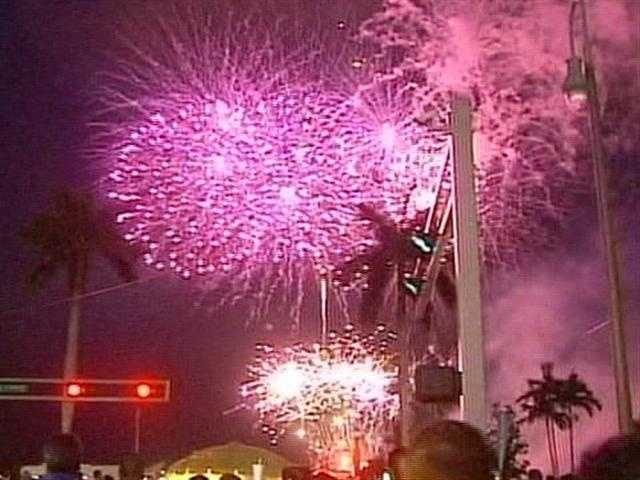
Every Fourth of July, millions of people try to capture the perfect fireworks photo with their smartphones. However, fireworks are one of the hardest things to photograph due to their distance, brief explosion, and surrounding smoke. Fortunately, a few simple camera settings can improve your chances of taking great photos.
Basic Camera Settings
Before the fireworks begin, make a few quick changes to your camera settings. Turn off the flash, as it will only light up the people near you and not the fireworks. Lock focus and exposure by tapping and holding on one of the bright fireworks bursts. This will prevent your phone from constantly refocusing on smoke or changing the exposure between explosions. If your phone supports it, use Night Mode to capture more detail and produce brighter, cleaner images in low light.
Keep your phone steady by using a tripod or resting it against a railing, chair, or fence. This will make a noticeable difference in the quality of your photos.
Let AI Finish the Job
Even with the right camera settings, your photos may not look as good as you remember the fireworks. That’s where artificial intelligence (AI) comes in. You can upload your photos to AI-powered editing tools, which can reduce smoke, sharpen the fireworks, make the colors more vibrant, and even remove people or objects from the foreground.
AI can also help with video editing. Apps like CapCut can stabilize shaky footage, brighten dark scenes, improve color, and reduce noise. While AI may not completely transform a long fireworks video, it can make short clips look more polished.
Remember to take a few pictures, record a short video if you’d like, and then put your phone away. The best memory of the fireworks will likely be the one you experienced with your own eyes.
Original reporting: KTBS 3 (Shreveport) — read the source article.