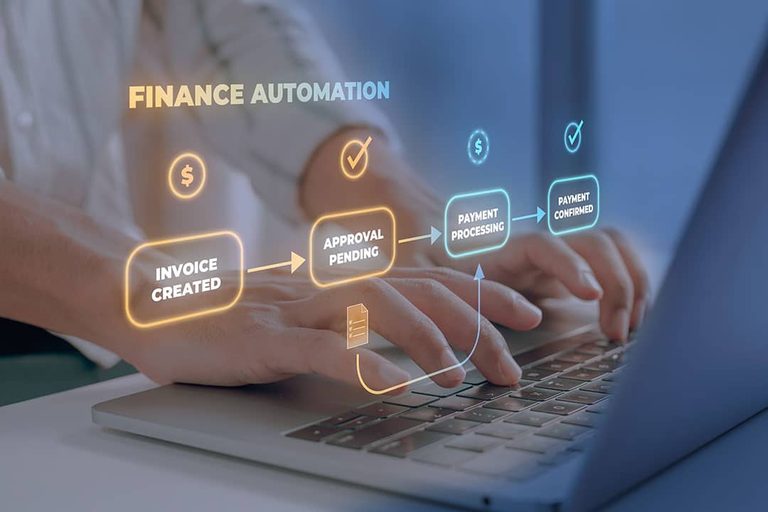
Finance leaders across the United States are reporting that the promised efficiency gains from accounts payable (AP) automation are not materializing. After the initial go‑live, controllers frequently discover a surge of invoice exceptions, broken ERP syncs after vendor name changes, and approvers reverting to email‑based PDF approvals. The result is a tool that runs, but fails to deliver the expected return on investment.
Three Core Causes of Underperforming AP Automation
1. Unstandardized Processes – Automation can only be as consistent as the data it receives. When vendor information, invoice formats, and approval logic vary widely, the system simply amplifies those inconsistencies. Teams that have not first standardized their AP best practices often see high exception rates that persist downstream.
2. Mis‑configured ERP Integration – “Native integration” means different things to different vendors. Some solutions embed directly in the ERP, others rely on APIs, and still others route through middleware that adds its own transformation rules. When integration settings require active management—clearing error queues, reconciling invoice counts, and repairing mappings after chart‑of‑accounts updates—the promised time savings evaporate into new maintenance tasks.
3. Inadequate Training and Shadow Processes – Even with a well‑designed workflow, users may bypass the platform, approving invoices via Slack or forwarded PDFs. This creates shadow processes that undermine audit trails and produce incomplete data sets, skewing key performance indicators that rely on the platform’s reporting.
Typical Symptoms and Targeted Fixes
ERP Integration Failure – Discrepancies between AP aging in the automation tool and the ERP can turn routine reconciliations into hours of detective work. Small mapping errors—such as incorrect GL coding or cost‑center assignments—multiply as invoice volume grows, especially in multi‑entity environments with 50 to 200 employees. A practical remedy is to designate the ERP as the single source of truth for vendor and GL data, conduct a field‑level audit before integration, and establish weekly health checks to reconcile invoice counts and amounts.
Persistently High Exception Queues – A large backlog often signals that the root cause of exceptions remains unaddressed. Common triggers include vendor master mismatches, purchase‑order tolerance thresholds that are too tight, missing GL coding rules, and overly aggressive duplicate detection. Effective steps include building vendor‑specific routing rules, setting reasonable tolerance bands, and running a 30‑day audit to categorize exceptions before reconfiguring the system.
Approvers Bypassing the Workflow – When the approval hierarchy does not align with actual business risk, users add extra steps or revert to email. Redesigning approval tiers by materiality—auto‑approving low‑value invoices from trusted vendors, routing mid‑range invoices to a single approver, and reserving multi‑step approval for high‑risk payments—can improve adoption. Coupled with focused training that explains the benefits of the platform, this approach reduces reliance on shadow processes.
Measuring Success and Building a Business Case
According to Ardent Partners’ State of ePayables 2024, best‑in‑class AP teams achieve invoice‑processing costs that are 78 % lower than the market average. Teams that settle for partial automation often remain on the high‑cost side of that spectrum. To demonstrate ROI, finance leaders should track metrics such as exception rate trends, time spent on manual sync repairs, and the proportion of invoices processed end‑to‑end within the automation tool.
By diagnosing whether the primary obstacle lies in process, technology, or people, organizations can apply targeted fixes rather than repeatedly reconfiguring the same layer. A disciplined approach—standardizing processes first, ensuring a reliable ERP connection, and providing thorough user training—offers the best chance of realizing the efficiency gains that AP automation promises.
Original reporting: El Paso News (HLL/CB) — read the source article.