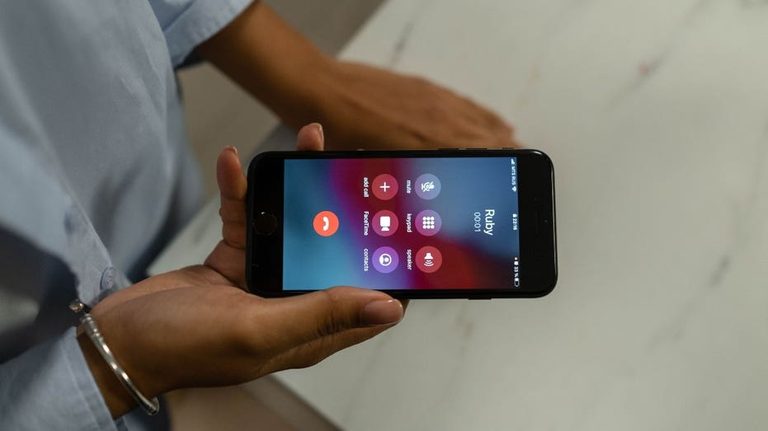
Mike, a resident of Westport, Connecticut, recently reached out after his phone began buzzing with voicemail alerts every 20 to 30 minutes, yet the messages contained no sound and his phone never actually rang. After blocking each number, a new one appeared, leaving him frustrated and concerned about a possible scam.
Why silent voicemails appear
There are several legitimate reasons a voicemail can show up without an audible ring. One method, known as ringless voicemail or direct‑to‑voicemail, lets a prerecorded message be placed directly into a wireless voicemail inbox without the phone ringing. The FCC ruled in 2022 that such deliveries count as a “call” under federal robocalling rules and must meet consent requirements.
Another common cause is the phone’s or carrier’s spam‑filtering features. Modern smartphones, including iPhones, can automatically silence calls identified as potential spam and route them to voicemail. Apple’s call‑screening tools also allow users to silence unknown callers, which can result in a voicemail notification without a ring.
Caller ID spoofing and changing numbers
Scammers often use caller‑ID spoofing to make a call appear to come from a local number, a business, or even another person’s phone. This explains why blocking one number offers only temporary relief; the next call arrives from a different, spoofed number. In some cases, the displayed number belongs to an innocent party whose line is being misused.
Risks of returning the call
Even though a silent voicemail may seem harmless, it can be a lure designed to spark curiosity. The Federal Trade Commission (FTC) advises against calling back unknown numbers, pressing any prompts, or interacting with illegal robocalls. Doing so can confirm to scammers that the number is active, potentially leading to more unwanted calls or costly premium‑rate charges.
Practical steps to reduce the nuisance
- Treat repeated, unexplained voicemails from unfamiliar numbers as suspicious and avoid calling them back.
- Use your carrier’s spam‑filtering tools and enable your phone’s call‑screening features.
- Consider blocking numbers, but recognize that spoofed callers may keep changing. Broader spam‑filter settings are often more effective.
- If you notice changes to your voicemail greeting, PIN, or call‑forwarding settings, contact your carrier immediately.
- For legitimate callers—banks, government agencies, or businesses—look up official contact information independently rather than using a callback number from an unexpected voicemail.
When to seek further help
If you experience additional warning signs—such as sudden loss of cellular service, missing verification codes, or unexpected SIM changes—these could indicate a SIM‑swap scam, which requires immediate attention from your carrier.
While it may be impossible to eliminate every unwanted voicemail, following these guidelines can significantly reduce disruptions and protect you from potential scams.
Original reporting: Fox News (HLL/CB) — read the source article.