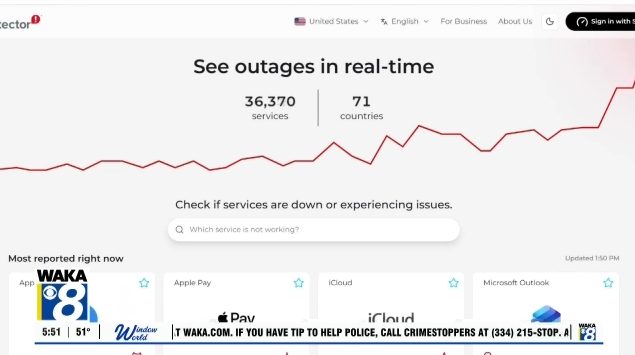
Recent high‑profile disruptions at Microsoft, the Federal Aviation Administration and several large banks remind us that even the biggest technology providers can experience sudden failures. While we cannot stop these outages, we can take simple measures to safeguard our money, files and ability to stay connected.
Keep Critical Files Accessible Offline
Many people rely on cloud services such as OneDrive, Google Drive or iCloud. These services are convenient, but if the internet goes down or the provider experiences an outage, your files may become unavailable. On a Windows PC, check the icons next to your files in File Explorer: a blue cloud means the file is online‑only. Right‑click the file or folder, choose “Always keep on this device,” and wait for the green check‑mark indicating it is stored locally. For extra security, copy essential documents to an external hard drive or USB stick and keep the drive disconnected when not in use.
Carry a Credit Card from a Different Bank
If your primary bank’s systems fail, your debit card may stop working. Having a credit card issued by another financial institution provides a backup payment method, especially useful when traveling and needing to cover hotel, rental car, gas or meals.
Download and Secure Bank Statements
Electronic statements are convenient, but they may be inaccessible during an outage. Periodically log in to your bank’s website and download recent statements as PDF files. Store them in an encrypted folder or secure location so you can reference balances and transactions if needed.
Print or Save Airline Boarding Passes
Airlines encourage the use of mobile boarding passes, yet airline apps can be affected by system failures. Before you travel, download your boarding pass, screenshot your flight confirmation and consider printing a paper copy. While a printed pass won’t help if the FAA grounds flights, it can reduce frustration if an airline’s app is temporarily down.
Maintain a Small Emergency Cash Reserve
Even in a largely cashless society, electronic payments depend on functioning networks. Keeping a modest amount of cash—perhaps $100‑$200—can cover groceries, gasoline or other essentials during a brief disruption.
Enable Wi‑Fi Calling on Your Phone
Cellular networks occasionally experience outages. Wi‑Fi Calling lets you place and receive calls over a Wi‑Fi connection using your regular phone number. On iPhone, enable it under Settings → Cellular → Wi‑Fi Calling; on Android, look for the option in the phone or network settings. Test the feature in advance, and remember it requires a working internet connection.
Why Outages Happen and What You Can Do
Software glitches, aging hardware and the complexity of interconnected systems all contribute to service interruptions. While the recent incidents appear unrelated and there is no evidence of coordinated cyberattacks, the impact can be significant when millions depend on the same platforms. By taking the steps above, you can reduce inconvenience and protect yourself when technology unexpectedly stops working.
Original reporting: Alabama News Network — read the source article.