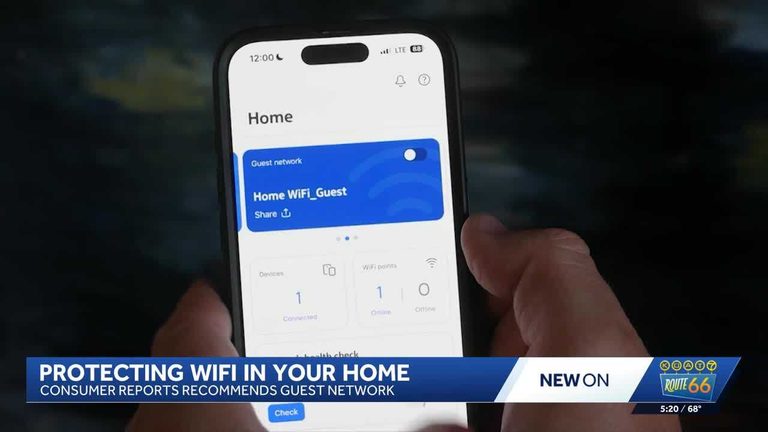
Sharing your home Wi-Fi password with visitors may seem harmless, but cybersecurity experts say it can expose your personal devices to unnecessary risk. A simple solution is to set up a guest Wi-Fi network, which keeps visitors online without giving them access to your private devices.
How Guest Networks Work
A guest network creates a separate connection from your main home internet, allowing visitors to browse, stream, or work online without being able to reach your laptops, smart TVs, security cameras, or other connected devices. This acts as a digital buffer between your personal network and anyone temporarily using your internet.
Beyond security, a guest network can also improve performance by isolating guest traffic and preventing slower speeds during high-demand times. To set up a guest network, users can log into their router’s app or web settings, enable ‘Guest Network,’ assign a name and password, and save the changes.
Original reporting: KOAT Albuquerque — read the source article.